
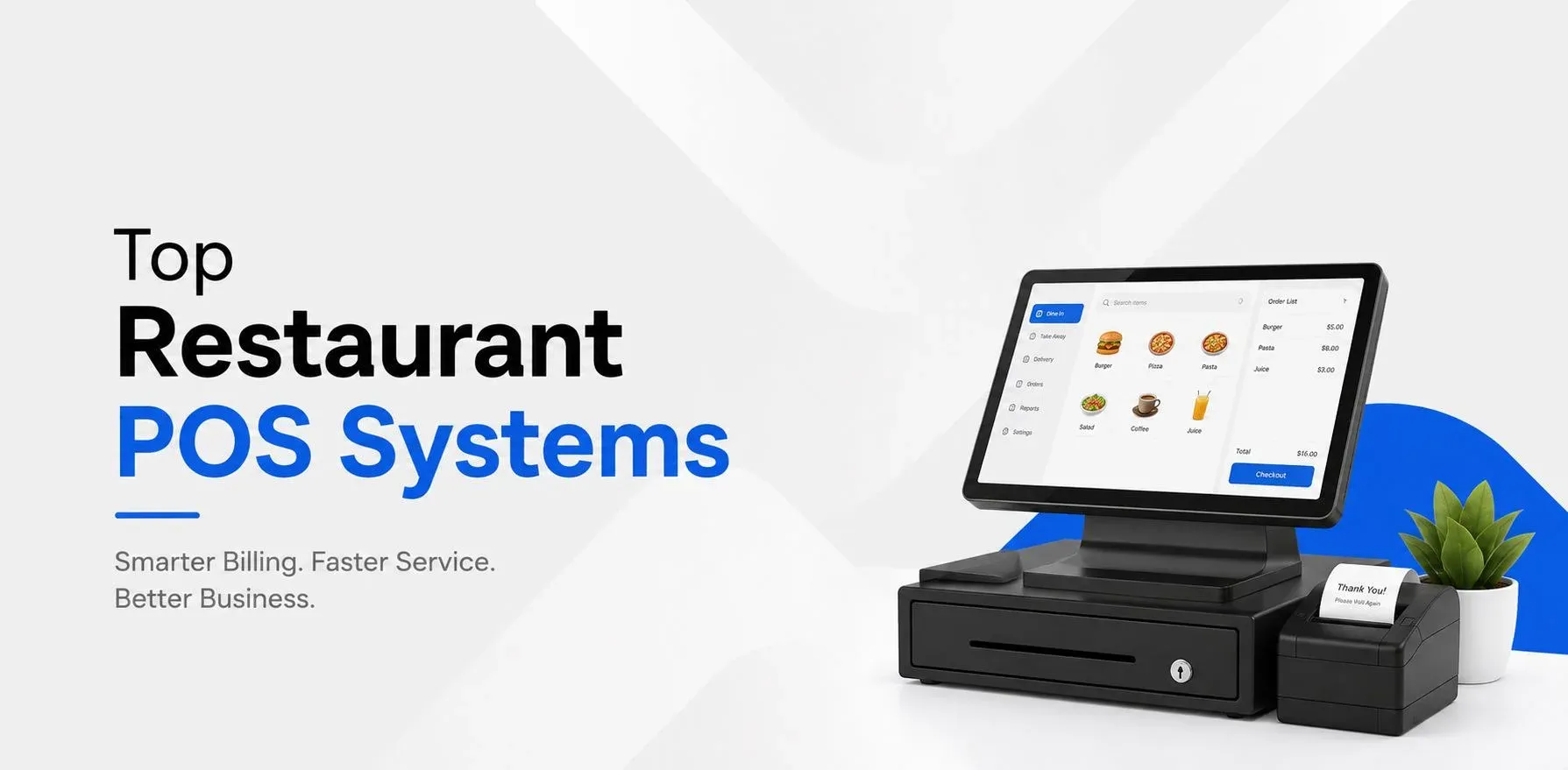
Top restaurant POS systems are no longer limited to billing and payment collection. For a modern restaurant, a POS can become the main point where orders, tables, kitchen work, sales, stock, and customer transactions come together.
The right POS system can help a restaurant serve customers faster and keep daily work organized. The wrong one can create more work, especially when sales, inventory, accounting, and restaurant operations are handled in separate systems.
This is why restaurant owners should look beyond a simple billing screen when comparing the top restaurant POS systems.
A good POS should fit the way the restaurant works today and still be useful when the business grows.
Among the available options, Odoo stands out as a complete restaurant POS solution because it can connect restaurant sales with inventory, purchasing, accounting, customer management, and other business functions.
Why Restaurant POS Software Has Become So Important
Restaurant operations move quickly.
A customer places an order. The order has to reach the right kitchen station. The food needs to be prepared. The bill needs to be accurate. Payment needs to be recorded. Stock needs to be managed. At the end of the day, the owner needs to know how the restaurant performed.
When all of this is handled manually, small errors can quickly become bigger problems.
A modern POS can bring these activities together.
This is why businesses looking for the top restaurant POS systems are now looking for complete restaurant management capabilities instead of basic billing software.
What Problems Should a Restaurant POS Solve?
Before comparing different top restaurant POS systems, it is useful to understand the problems a restaurant actually wants to solve.
Slow Order Taking
During busy hours, staff cannot afford to spend too much time entering orders.
A well-designed POS gives employees quick access to the menu and makes order entry easier.
Order Communication Problems
When orders are written on paper or passed verbally, mistakes can happen.
A connected POS can send order details directly to the kitchen, reducing unnecessary communication.
Poor Stock Visibility
Restaurant owners need to know what is being used, what is available, and what needs to be purchased.
Connecting POS with inventory can make this process easier.
Manual Sales Tracking
Owners should not have to collect information from different systems just to understand daily sales.
A POS with reporting can provide a clearer picture of restaurant performance.
Multiple Systems
Using separate software for POS, accounting, inventory, and purchasing can create disconnected data.
This is one of the biggest reasons restaurants are exploring more complete top restaurant POS systems.
Odoo: A Different Approach to Restaurant POS
Odoo takes a wider approach to restaurant management.
Instead of treating the POS as a standalone billing application, Odoo allows businesses to connect the POS with other parts of their operations.
A restaurant can use Odoo POS along with:
- Inventory
- Purchase
- Accounting
- CRM
- Employees
- Sales
- Website
- E-commerce
- Marketing
This creates a single business environment where information can move between different operations.
For restaurants that want more than basic billing, this makes Odoo a strong candidate among the top restaurant POS systems.
The Real Advantage: Connecting Restaurant Operations
Imagine a restaurant serving a large number of customers during dinner.
A customer places an order.
The employee enters the order into Odoo POS. The kitchen receives the required information. Once the order is completed, the sale is recorded. Inventory can be updated based on the configured product and stock rules. Payment is recorded, and the transaction becomes part of the restaurant's sales information.
The restaurant does not need to treat each activity as a completely separate task.
That connected workflow is one of the biggest advantages of using a broader system like Odoo.
Odoo POS for Dine-In Restaurants
Dine-in restaurants have different needs compared with takeaway businesses.
Staff need to know which customer is sitting at which table, what has already been ordered, and whether the table is available.
Odoo POS can support table-based restaurant operations.
Employees can manage orders according to tables, helping the front-of-house team keep track of customer orders.
For restaurants with many tables, this can make daily operations easier to organize.
Odoo POS for Cafés and Quick-Service Restaurants
Cafés and quick-service restaurants usually focus on speed.
Customers expect to place an order and receive their food without unnecessary delays.
A simple POS interface can help employees process orders quickly.
Odoo POS can be configured for cafés, bakeries, fast-food outlets, and other businesses where quick transactions are important.
The system can also connect sales with other business operations when required.
Odoo POS for Restaurant Chains
Managing one restaurant is different from managing five or ten locations.
Once a restaurant expands, owners need better control over sales, products, employees, stock, and reporting.
This is where scalability becomes important when comparing the top restaurant POS systems.
Odoo can support a wider business structure by connecting POS with other Odoo applications.
This can give management a central view while allowing individual outlets to handle their daily sales operations.
Inventory and POS Should Work Together
One of the biggest mistakes restaurant owners can make is treating inventory as a separate issue.
Every restaurant sale has an impact on stock.
If a restaurant sells a particular product throughout the day, the ingredients or products behind that sale need to be accounted for.
When POS and inventory work together, restaurant owners can get better visibility into stock movement.
This can help businesses reduce problems such as:
- Running out of popular items
- Buying too much stock
- Unnecessary food waste
- Poor stock records
- Last-minute purchasing
For this reason, inventory integration should be an important part of any comparison of top restaurant POS systems.
Accounting Is Another Important Part
Restaurant owners also need accurate financial records.
Sales, payments, expenses, purchases, and other financial activities all contribute to the restaurant's accounts.
Using separate systems can mean that employees need to move information manually from one application to another.
Odoo can connect POS with its accounting functionality, creating a more unified flow of financial information.
This can be especially useful for restaurants that want their POS to be part of a larger ERP system.
Restaurant Reports That Actually Help
A POS collects a large amount of information every day.
The value comes from being able to understand that information.
Restaurant managers may want to know:
- What are today's sales?
- Which products are popular?
- What time is the restaurant busiest?
- Which payment methods are used most?
- Which outlet is performing better?
- How are sales changing over time?
The top restaurant POS systems should make this information easier to access.
Odoo provides reporting capabilities that can help restaurant businesses review sales and other operational information.
What Makes Odoo Different From a Basic POS?
The main difference is the role of the POS.
A basic POS is often treated as a place where a restaurant creates bills.
Odoo can make the POS part of a larger business system.
That means a restaurant can connect:
- Restaurant Sales
- POS Orders
- Kitchen Operations
- Inventory
- Purchasing
- Accounting
- Business Reporting
This structure can help reduce the gaps between different restaurant departments.
Is Odoo the Best Restaurant POS System?
There is no single POS that is the best choice for every restaurant.
A small business with very simple requirements may prefer a basic POS.
However, restaurants looking for a POS that can become part of a wider business management system may find Odoo more suitable.
Odoo becomes especially interesting when a restaurant needs POS together with inventory, purchasing, accounting, CRM, reporting, and other business functions.
So, when discussing the top restaurant POS systems, Odoo should be included in the comparison for businesses looking for a connected ERP-based approach.
Who Can Benefit From Odoo POS?
Odoo POS can be considered by different types of food businesses, including:
- Restaurants: For table management, orders, billing, kitchen workflows, and reporting.
- Cafés: For fast sales and simple product management.
- Bakeries: For product sales and inventory-related operations.
- Fast-Food Outlets: For quick order and payment processing.
- Food Courts: For handling high volumes of transactions.
- Restaurant Chains: For businesses managing multiple outlets and wider operations.
The exact setup depends on the restaurant's workflow and requirements.
What Should You Avoid When Choosing a Restaurant POS?
Even among the top restaurant POS systems, not every solution will suit every business.
Avoid choosing a POS only because:
- It has many features
- It is the cheapest option
- Another restaurant is using it
- The interface looks attractive
- The sales team promises everything
- It offers features you will never use
Instead, test the system using your own restaurant workflow.
Ask the provider to show how the POS handles your actual ordering, billing, kitchen, inventory, and reporting process.
That gives you a much better idea of whether the system is right for your business.
Choosing Among the Top Restaurant POS Systems
The right restaurant POS should do more than generate a receipt.
It should help employees work faster, give managers better information, and make it easier for owners to control daily operations.
When comparing the top restaurant POS systems, look at the complete picture: order management, table operations, kitchen communication, payments, inventory, accounting, reporting, scalability, and integration.
Odoo is a strong option for restaurants that want these POS functions connected to a wider business management platform.
Its biggest advantage is not simply the POS screen. It is the ability to connect restaurant sales with the other operations that keep the business running.
For restaurants planning to move beyond basic billing and build a more connected operation, Odoo is one of the top restaurant POS systems worth considering.
Ready to Transform Your Business?
Talk to Lenok Infotech today to discover the right IT, ERP, cloud, and digital solutions for your business. Get expert guidance tailored to your goals and take the next step with confidence.
Frequently Asked Questions
1. What are the top 5 POS systems for restaurants?
The top restaurant POS systems include solutions such as Petpooja, GoFrugal, Posist, SlickPOS, and Odoo POS. The right choice depends on restaurant size, billing needs, inventory management, integrations, pricing, and multi-outlet requirements.
2. What is the best POS software for restaurants in India?
The best POS software for a restaurant in India depends on its business requirements. A suitable system should support billing, table management, kitchen operations, inventory, GST-compliant invoicing, payment integration, reporting, and multi-location management.
3. What are the top 10 POS systems for restaurants?
Popular restaurant POS systems include Petpooja, GoFrugal, Posist, SlickPOS, Odoo POS, Toast, Square, Lightspeed Restaurant, TouchBistro, and Clover. Availability and features can vary by country, so restaurants should compare systems based on their location and operational needs.
4. What is the cheapest POS system for a restaurant?
The cheapest POS system depends on the provider, number of users, features, hardware, and subscription plan. Restaurants should compare the total cost of software, hardware, setup, payment processing, integrations, and ongoing support rather than choosing only by the monthly price.
5. What is the best restaurant billing software in India?
The best restaurant billing software in India should provide fast billing, GST-compliant invoices, digital payments, inventory tracking, order management, sales reports, and integration with restaurant operations. The ideal option depends on the restaurant's size and workflow.
6. What features should a restaurant POS system have?
A restaurant POS system should typically include billing, order management, table management, menu management, kitchen order management, inventory tracking, payment integration, sales reporting, customer management, and multi-outlet support.
7. Is POS software useful for small restaurants?
Yes. POS software can help small restaurants manage billing, orders, inventory, payments, and sales reports from one system. It can also reduce manual work and provide better visibility into daily restaurant operations.
8. Can a restaurant POS system manage inventory?
Yes. Many restaurant POS systems can track ingredients, stock levels, purchases, wastage, and stock movements. Some systems can also connect inventory with sales so that stock levels are updated as orders are processed.
9. Can restaurant POS software manage multiple outlets?
Yes. Multi-outlet POS systems allow restaurant owners to manage sales, menus, inventory, employees, and reports across multiple locations from a centralized system. The exact capabilities depend on the POS provider.
10. What is the difference between restaurant POS and restaurant billing software?
Restaurant billing software mainly focuses on creating bills and processing payments, while a restaurant POS system usually covers a wider range of operations, including orders, tables, kitchen management, inventory, customer data, payments, and reporting.
11. Can a restaurant POS system integrate with online food delivery platforms?
Many modern restaurant POS systems support integrations with online ordering and food delivery platforms. These integrations can help restaurants centralize orders, reduce manual entry, and keep order information synchronized.
12. How much does a restaurant POS system cost in India?
Restaurant POS pricing in India varies based on features, number of users or outlets, hardware, integrations, implementation, and support. Some providers offer subscription plans, while others may charge separately for hardware and setup.
13. Which POS is best for a cafe or small food business?
A good POS for a cafe or small food business should be easy to use and support quick billing, menu management, inventory tracking, digital payments, customer management, and sales reporting. The best choice depends on the cafe's size and operational requirements.
14. Is cloud-based POS better for restaurants?
A cloud-based POS can be useful for restaurants that want centralized access to sales data, remote monitoring, automatic updates, and multi-outlet management. However, restaurants should also check offline functionality, security, internet dependency, and support before choosing a system.
15. How do I choose the best restaurant POS system?
To choose the best restaurant POS system, compare billing, table management, kitchen operations, inventory, GST support, payment integrations, online ordering, reporting, scalability, pricing, and customer support. The system should match the restaurant's current workflow and future growth plans.