
Top Restaurant POS: Why Odoo POS Is a Smart Choice for Restaurants
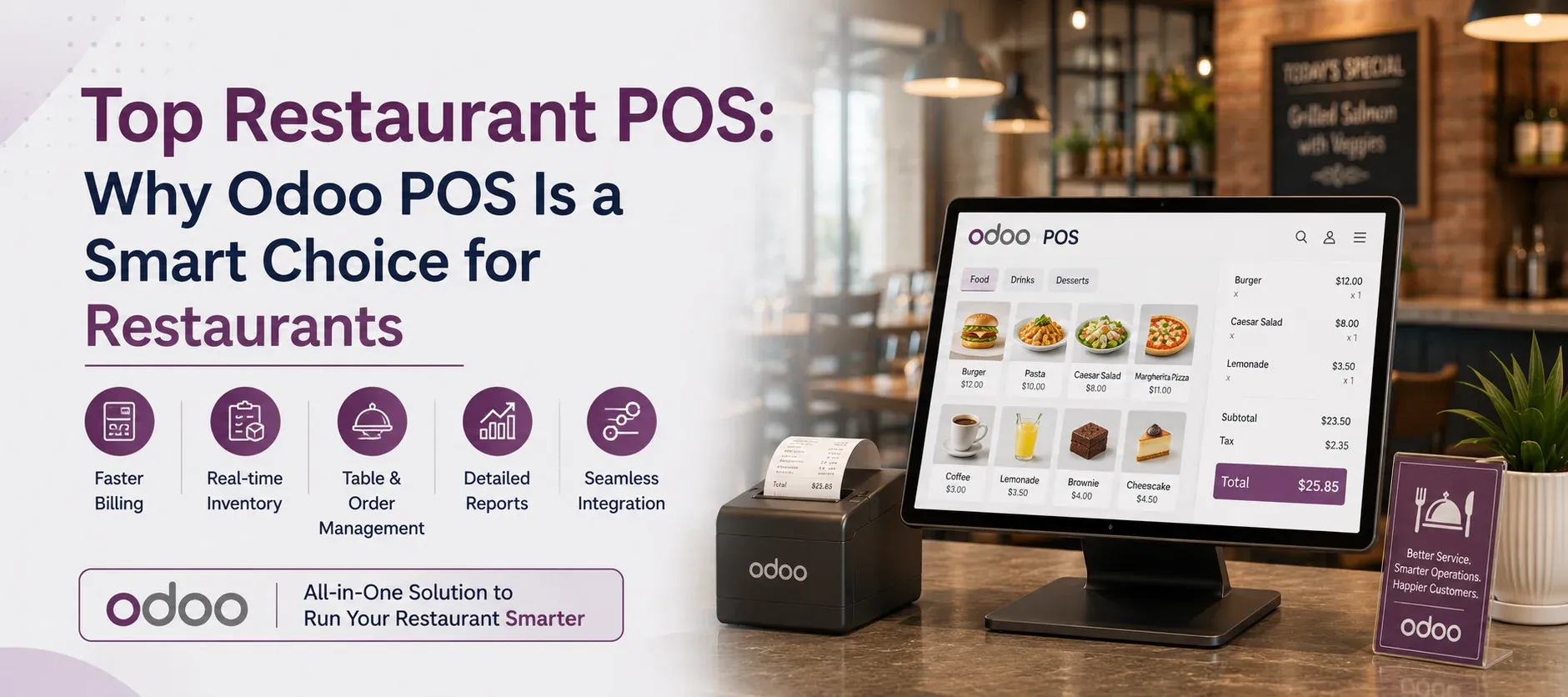
A restaurant POS is no longer just a tool for generating bills. Today, restaurants need technology that can manage orders, tables, payments, inventory, kitchen operations, and sales from a connected system.
If you are searching for the top restaurant POS, the right choice should not only solve today's operational challenges but also support future growth.
This is where Odoo POS stands out. Combined with Odoo ERP, it can connect restaurant sales with inventory, accounting, purchasing, and other business functions through one integrated platform.
Why Choose Odoo POS for Your Restaurant?
Odoo POS combines restaurant point-of-sale functionality with the wider Odoo business ecosystem. This makes it a practical option for restaurants that want more than a billing application.
1. Simplify Orders and Table Management
During busy hours, restaurant employees need a quick way to manage orders without creating confusion.
Odoo POS supports restaurant table and floor management, helping staff organize tables and associate customer orders with the appropriate table.
This can make it easier to manage dine-in operations, particularly in restaurants with busy dining areas.
2. Improve Kitchen Communication
Getting orders from the restaurant floor to the kitchen quickly is essential.
Odoo POS can support kitchen workflows by sending order information to preparation areas. Restaurants can use kitchen printers or preparation displays to organize incoming orders.
A more connected workflow can help reduce communication errors and keep service moving.
3. Offer Self-Ordering
Customers increasingly prefer convenient ordering options.
Odoo supports self-ordering through solutions such as QR codes and kiosks, giving restaurants another way to accept orders while reducing pressure on front-of-house staff.
This can be particularly useful during peak service periods.
4. Connect Sales With Inventory
Inventory control is a major concern for restaurants because ingredients and products move continuously.
With Odoo ERP, POS activity can be connected with inventory management. This provides better visibility into stock movements and helps restaurants make more informed purchasing and replenishment decisions.
For restaurants managing food costs closely, having sales and inventory data connected can be a significant advantage.
5. Keep Accounting Connected
Restaurant sales eventually need to flow into financial management.
Odoo POS can work with Odoo Accounting, helping businesses connect sales transactions with their broader financial operations.
Instead of repeatedly moving information between separate systems, businesses can manage connected processes within the Odoo ecosystem.
Odoo POS vs. a Standalone Restaurant POS
When comparing the top restaurant POS systems, consider whether your business needs only a POS or a complete operational platform.
| Feature | Standalone POS | Odoo POS + ERP |
|---|---|---|
| Billing | ✓ | ✓ |
| Table management | Varies | ✓ |
| Kitchen workflows | Varies | ✓ |
| Self-ordering | Varies | ✓ |
| Inventory integration | Varies | ✓ |
| Accounting integration | Varies | ✓ |
| Multi-location support | Varies | ✓ |
| Wider ERP functions | ✗ | ✓ |
A standalone POS may be enough for a small restaurant with straightforward requirements. However, businesses planning expansion may benefit from a connected ERP-based solution.
Who Can Use Odoo POS?
Odoo POS can be suitable for:
- Restaurants
- Cafes
- Bakeries
- Fast-food outlets
- Takeaway businesses
- Food courts
- Restaurant chains
- Multi-location food businesses
It can also be valuable for businesses that need their POS connected with inventory, purchasing, accounting, or other operational systems.
Why Choose Lenok Infotech for Odoo POS?
The success of a POS project depends on more than selecting software. Implementation, configuration, integration, customization, and support all influence how effectively the system works.
Lenok Infotech helps businesses implement Odoo according to their operational requirements. For restaurants, this can include configuring POS workflows and connecting relevant functions such as inventory, accounting, purchasing, production, and reporting.
If your restaurant already uses different software applications, Lenok Infotech can also help connect Odoo with external systems through Odoo integration services.
The goal is simple: create an Odoo solution that fits your restaurant instead of forcing your business to adapt to a rigid system.
Choose a POS Built for Growth
The top restaurant POS is not necessarily the one with the most features. It is the one that matches your restaurant's requirements, integrates with your existing operations, and can scale as your business grows.
For restaurants looking beyond basic billing, Odoo POS with Odoo ERP offers a connected way to manage sales, inventory, accounting, purchasing, and other business processes.
Ready to Transform Your Business?
Talk to Lenok Infotech today to discover the right IT, ERP, cloud, and digital solutions for your business. Get expert guidance tailored to your goals and take the next step with confidence.
Frequently Asked Questions
The right POS depends on your restaurant's size, operations, budget, integrations, and growth plans. Odoo POS is a strong choice for businesses looking for restaurant POS functionality combined with ERP capabilities.
Yes. Odoo POS supports restaurant workflows including order management, table management, payments, kitchen operations, and self-ordering, while connecting with other Odoo applications.
Yes. Odoo POS can connect with Odoo Inventory, helping restaurants gain better visibility into stock movements and coordinate sales with inventory operations.
Yes. Odoo can integrate with third-party applications, payment gateways, eCommerce platforms, and other business systems. Lenok Infotech provides Odoo integration services based on business requirements.
Lenok Infotech helps businesses implement and customize Odoo based on their workflows, with services covering implementation, integration, customization, and related ERP requirements.