
Odoo Implementation: A Practical Guide to Setting Up Odoo ERP
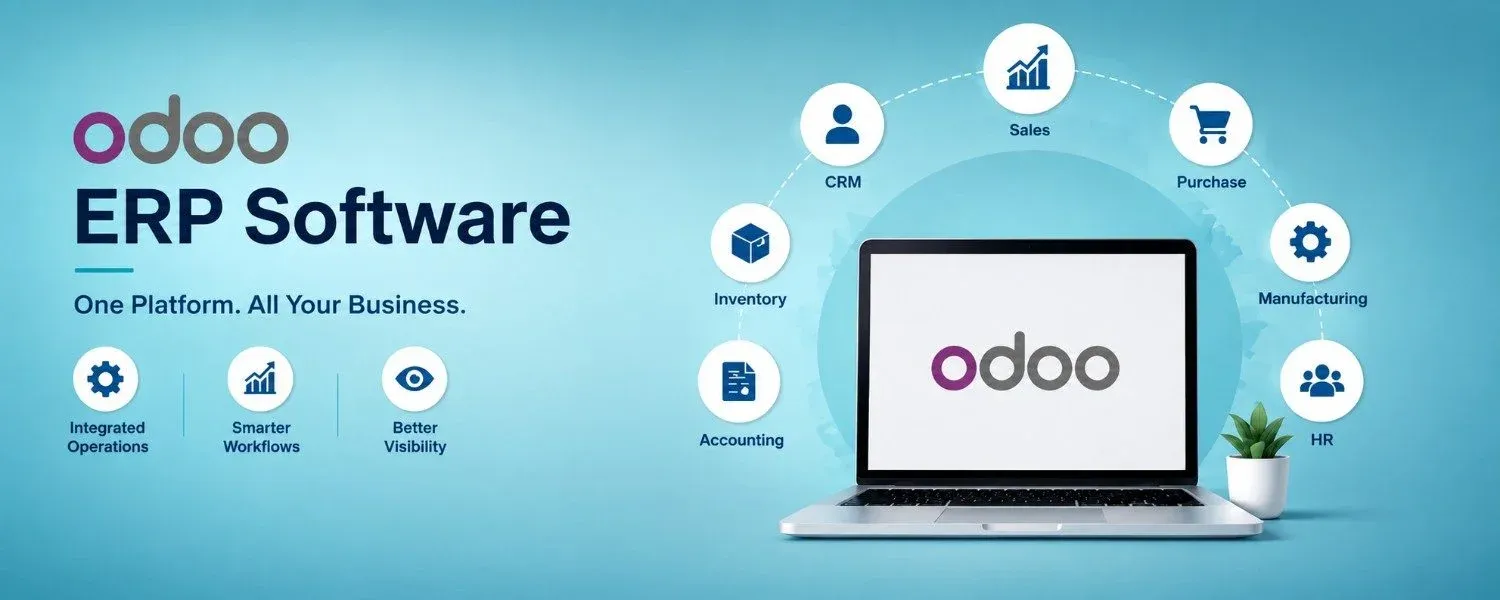
Odoo implementation is the process of taking Odoo from a software platform to a working ERP system that fits the way a business operates. It involves much more than installing Odoo or selecting a few applications. Business processes, user roles, existing data, integrations, reports, approvals, and day-to-day work all need to be considered before the system is put into use.
A business moving to Odoo may already have years of customer records, product information, accounting data, sales orders, purchase records, and inventory details. It may also depend on other software for eCommerce, payments, shipping, payroll, or customer management.
Bringing all of these requirements together is where proper Odoo implementation becomes important.
The right approach is not to make the business change everything at once. It is to understand how the company works today, decide what should improve, and then configure Odoo around those needs.
What Does Odoo Implementation Really Involve?
There is a common idea that ERP implementation means installing the software, entering some data, and starting work.
In practice, it is very different.
An Odoo implementation normally involves several connected activities:
- Understanding the current business process
- Identifying operational problems
- Deciding which Odoo applications are needed
- Planning the system structure
- Configuring Odoo
- Preparing existing data
- Moving data into Odoo
- Connecting external applications
- Developing required custom features
- Testing complete workflows
- Training employees
- Preparing for go-live
- Supporting users after deployment
Each part affects the next.
For example, choosing the Inventory application is easy. Deciding how many warehouses, locations, routes, product categories, stock rules, and approval steps the business needs requires much more thought.
That is why Odoo implementation should be treated as a business project rather than just a technical setup.
Why Businesses Choose Odoo ERP
Businesses generally do not move to an ERP system simply because they want new software.
There is usually a problem behind the decision.
Data may be spread across multiple applications. Employees may be entering the same information more than once. Managers may have difficulty getting updated figures. Stock information may not match actual warehouse quantities. Sales and finance teams may be working with different records.
Odoo can bring many of these functions into one environment.
Depending on the business, Odoo can cover:
- CRM
- Sales
- Purchase
- Inventory
- Accounting
- Manufacturing
- Point of Sale
- eCommerce
- Project management
- Helpdesk
- Human Resources
- Marketing
- Field Service
The important point is that a business does not need to activate everything.
A good Odoo implementation starts with the requirements and then selects the applications that support them.
Where Should an Odoo Implementation Start?
The Odoo implementation process should begin with a clear understanding of the business rather than focusing immediately on screens, menus, or custom modules. Before configuring the system, the implementation team should review how work currently moves across different departments. For example, in a trading company, a customer enquiry may lead to a quotation, followed by order confirmation, stock verification, purchasing, warehouse receipt, delivery, invoicing, and payment collection. Although this may appear to be a simple sales cycle, it involves several departments working together. During Odoo implementation, each stage should be carefully mapped so that Sales, Purchase, Inventory, and Accounting operate as connected processes within the ERP rather than as separate functions.
Business Process Study Before Odoo Configuration
A detailed process study helps identify what is working and what is not.
The implementation team may look at:
- How leads are received
- How quotations are approved
- How orders are confirmed
- How purchases are requested
- How stock is received
- How products are transferred
- How deliveries are handled
- How invoices are created
- How payments are recorded
- How returns are processed
- How reports are prepared
This stage can reveal simple problems that have been accepted as part of daily work for years.
For example, employees may be maintaining an Excel sheet because the current software does not provide the report they need. During Odoo implementation , that requirement can be reviewed and handled through Odoo reporting or a suitable customization.
The purpose is not to copy every old process.
It is to understand the reason behind each process.
Choosing the Odoo Modules
After understanding the business, the next question is which Odoo applications should be included.
A small service company may need:
CRM → Sales → Project → Timesheets → Accounting
A retail business may need:
Point of Sale → Inventory → Purchase → Accounting
A manufacturer may need:
Sales → Purchase → Inventory → Manufacturing → Quality → Maintenance → Accounting
The module selection should follow the business model.
Adding unnecessary applications can make the system harder for users to understand and increase the amount of configuration required.
A practical Odoo implementation normally starts with the applications that solve the most important business requirements.
How Data Migration Fits Into Odoo Implementation
Data is one of the areas that can create unexpected problems during an ERP project.
A company may have:
- Thousands of customers
- Large product lists
- Old supplier records
- Previous sales transactions
- Purchase history
- Opening stock
- Accounting balances
- Employee records
This information cannot simply be copied into Odoo without checking it.
Old databases often contain duplicate records, inactive products, incomplete addresses, incorrect codes, and inconsistent formats.
A sensible data migration process can look like this:
Collect → Clean → Map → Test → Verify → Migrate
The first migration should normally be performed in a test environment.
Users can then check whether customers, products, stock, financial information, and other important records appear correctly.
Only after the data is verified should the final migration be carried out.
Odoo Integration With Other Business Systems
Odoo may become the main ERP system without becoming the only software a business uses.
For example, an online business may still need:
- An eCommerce platform
- Payment gateways
- Shipping services
- Marketplaces
- Banking applications
- External HR systems
- Customer portals
- Business intelligence tools
This creates an integration requirement.
During Odoo implementation, the team needs to decide what information should move between Odoo and each external system.
For an online store, this could involve:
Online Order → Odoo Sales Order → Inventory Update → Delivery → Invoice
The exact setup depends on the systems being connected and the data that needs to be synchronized.
When Does Odoo Customization Make Sense?
Odoo is a flexible ERP platform, but not every business requirement needs custom development. Each requirement should first be evaluated against the standard functionality available in Odoo. If the existing features can support the required process through proper configuration, additional customization may not be necessary. Custom development becomes more appropriate when a business has specific requirements that cannot be effectively handled through standard Odoo features, such as unique workflows, industry-specific processes, specialized calculations, custom reports, or integrations with external systems.
- A unique approval workflow
- An industry-specific process
- A special calculation
- A custom report
- A customer portal
- A unique automation
- A system-specific integration
The decision should be based on business value.
Adding custom features simply because they are possible can make future maintenance and upgrades more difficult.
What Should a Business Prepare Before Starting?
The business does not need to have every answer before contacting an Odoo implementation team.
However, having basic information ready can make the first discussions much more useful.
It helps to prepare:
- Current software details
- Main business processes
- Customer information
- Vendor information
- Product information
- Warehouse structure
- Current reports
- User departments
- Existing integrations
- Major business problems
- Future expansion plans
The implementation team can then use this information to build a clearer project plan.
Can Odoo Be Implemented for Manufacturing?
Yes, but manufacturing usually requires more detailed planning than a basic sales or service setup.
Manufacturing implementation may involve:
- Bills of materials
- Manufacturing orders
- Work centers
- Production planning
- Component availability
- Inventory movements
- Quality checks
- Maintenance
- Subcontracting
- Production costing
The production process should be mapped carefully before configuration because manufacturing data can affect purchasing, inventory, sales, and accounting.
Can Existing ERP Systems Be Replaced With Odoo?
Odoo can be introduced as a replacement for an existing ERP in many business situations.
However, the migration needs careful planning.
The project should identify:
- Which data needs to be moved
- Which old processes should be changed
- Which reports need to be recreated
- Which integrations need to be rebuilt
- Which historical records need to remain accessible
- Which custom features need an Odoo equivalent
A direct copy of the old ERP is not always the best approach.
The move to Odoo can also be an opportunity to remove outdated processes and simplify everyday work.
A Practical Odoo Implementation Roadmap
For a business planning its first Odoo project, the overall journey can be viewed like this:
Business Study
Understand the existing operation and identify the main problems.
↓
Requirement Definition
Document what the new ERP needs to achieve.
↓
Solution Planning
Select Odoo applications, workflows, integrations, and required custom features.
↓
Configuration
Set up the Odoo environment around the agreed business processes.
↓
Data Preparation
Clean, map, test, and migrate existing information.
↓
Development & Integration
Build required custom functions and connect external systems.
↓
Testing
Test individual functions and complete business workflows.
↓
User Acceptance
Allow actual users to validate the system.
↓
Training
Prepare employees according to their roles.
↓
Go-Live
Move the approved system into real business use.
↓
Support & Improvement
Monitor usage, resolve issues, and improve the system as requirements evolve.
This roadmap gives businesses a clearer picture of what happens during an Odoo implementation without treating ERP deployment as a single event.
Final Thoughts
Odoo implementation works best when the project starts with the business rather than the software.
The important decisions are made before the system goes live: which processes should change, which Odoo applications are actually needed, what data should be migrated, where integrations are required, and which custom features are genuinely worth developing.
Testing and user involvement then help turn the planned system into something employees can actually use.
For businesses considering Odoo, the objective should not be to build the biggest possible ERP setup. It should be to build a useful one.
A well-planned Odoo implementation can bring sales, purchasing, inventory, accounting, manufacturing, CRM, and other functions into a connected working environment. More importantly, it can give the business a foundation that can be expanded as its needs change.
Ready to Transform Your Business?
Talk to Lenok Infotech today to discover the right IT, ERP, cloud, and digital solutions for your business. Get expert guidance tailored to your goals and take the next step with confidence.
FAQ
1. What is an Odoo implementer?
An Odoo implementer helps businesses configure and deploy Odoo ERP based on their business processes, including setup, data migration, integrations, customization, testing, and user training.
2. What does an Odoo implementer do?
An Odoo implementer studies business requirements, selects suitable Odoo applications, configures workflows, migrates data, manages integrations, tests the system, and supports users during and after implementation.
3. How do I choose the right Odoo implementer?
Choose an Odoo implementer with relevant industry experience, strong Odoo knowledge, data migration and integration skills, a clear implementation process, user training, and reliable post-go-live support.
4. How long does Odoo implementation take?
Odoo implementation time depends on the number of applications, users, business complexity, data migration, integrations, and customization. Simple projects generally take less time than large or multi-location implementations.
5. Do I need an Odoo implementer for my business?
An Odoo implementer can be useful when your business has multiple departments, complex workflows, existing data, integrations, or customization requirements. They help configure Odoo correctly and reduce implementation issues.