
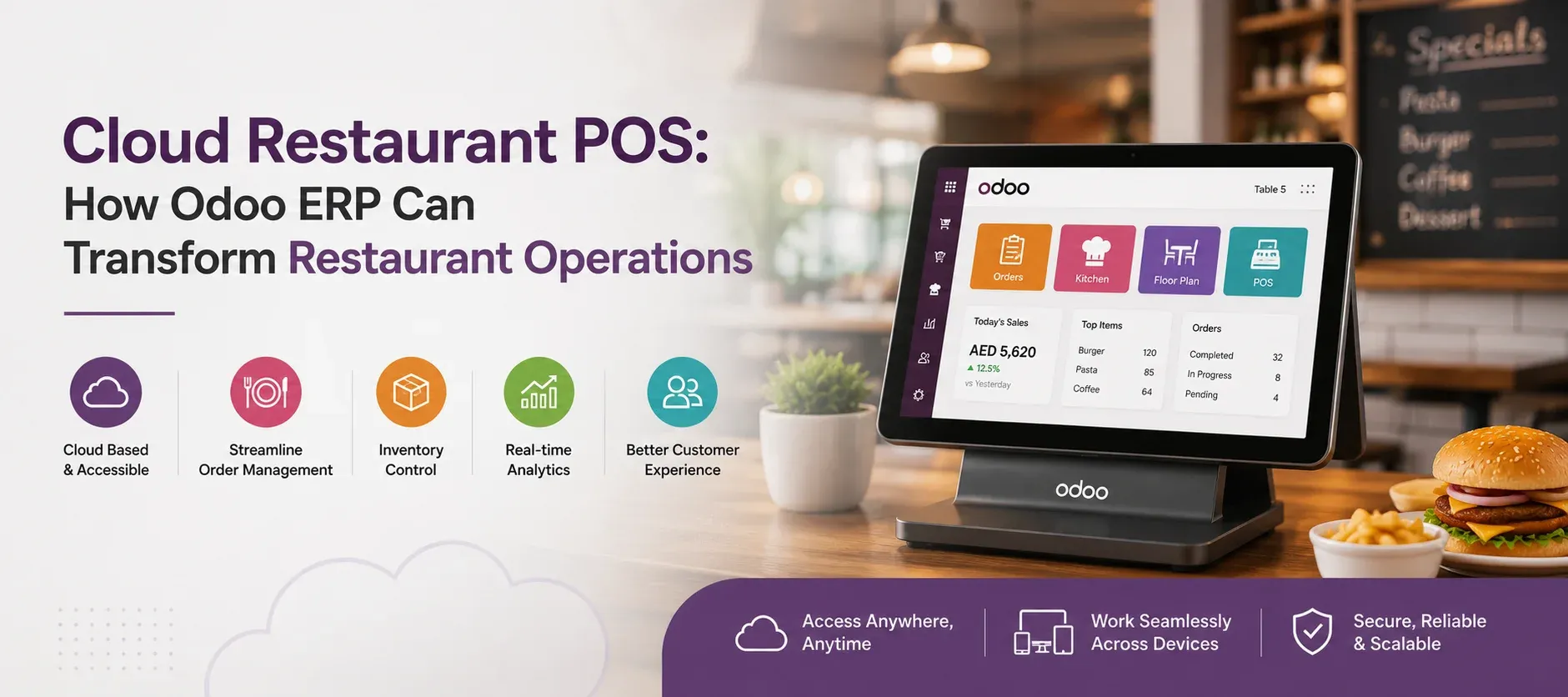
Running a restaurant means managing much more than orders and payments. Every customer transaction can affect inventory, purchasing, accounting, kitchen operations, and business reporting.
A cloud restaurant POS helps bring the front-of-house operation online. But when POS is connected with Odoo ERP, restaurants can go a step further by connecting sales with the wider business.
This makes Odoo more than a billing solution. It can become a central platform for managing restaurant operations as the business grows.
Why Connect a Restaurant POS With Odoo ERP?
Consider what happens after a customer places an order.
The order is recorded. The kitchen prepares it. Ingredients are consumed. Stock changes. The sale creates financial data. If inventory becomes low, the purchasing team may need to reorder supplies.
Managing every step separately can create duplicated work and disconnected information.
With Odoo ERP, these workflows can be connected through applications such as Point of Sale, Inventory, Purchase, and Accounting.
From POS to Inventory
Restaurant sales can affect inventory throughout the day.
Odoo's POS can integrate with stock management, helping businesses monitor product movements and inventory across locations.
This can be particularly useful for restaurants handling fresh ingredients, beverages, packaged products, and other fast-moving items.
From Inventory to Purchasing
Inventory data is useful only when it leads to better decisions.
By connecting inventory with purchasing, restaurant managers can monitor stock requirements and manage supplier-related activities from the same ERP environment.
From Sales to Accounting
Every restaurant transaction eventually becomes part of the financial picture.
Odoo integrates POS payments with its Accounting application, helping businesses connect sales activity with financial workflows rather than maintaining completely separate records.
Key Odoo ERP Features for Restaurants
The strength of Odoo ERP for restaurants comes from connecting multiple business functions rather than using POS as an isolated system.
Odoo POS for Restaurant Operations
Odoo POS includes restaurant-specific features such as floor and table management, order handling, bill splitting, tips, and communication with kitchen or bar operations.
Restaurants can also use preparation displays and kitchen workflows to help staff manage incoming orders.
Odoo Inventory
Inventory management gives restaurants greater visibility into stock movements and product availability.
When POS and inventory work together, sales activity can provide useful information for managing stock across the business.
Odoo Purchase
Restaurants depend on reliable suppliers and regular replenishment.
Odoo Purchase can help businesses manage suppliers, purchase orders, and procurement activities as part of the same ERP environment.
Odoo Accounting
Accounting becomes easier to manage when financial data does not have to be collected manually from different systems.
Odoo can connect POS transactions with accounting workflows, helping businesses maintain a more centralized financial record.
Odoo Sales and CRM
Restaurants involved in catering, corporate dining, events, or other business-to-business activities can also use Odoo's sales and CRM capabilities to manage customers and sales opportunities.
For a more industry-focused approach, explore Odoo ERP for Restaurant & Food Manufacturing.
Cloud Restaurant POS vs Cloud POS With Odoo ERP
A basic POS may be enough when the primary requirement is taking orders and processing payments. As the business becomes more complex, however, an integrated ERP can provide a wider operational view.
| Standalone POS | Cloud POS + Odoo ERP |
|---|---|
| Primarily focused on transactions | Connects multiple business functions |
| Limited view of wider operations | Centralized operational information |
| Inventory may require another system | POS can work with inventory management |
| Accounting may be separate | POS can connect with accounting |
| Less suitable for complex workflows | Supports broader business processes |
The difference is simple: a POS helps run the transaction; an ERP helps manage what happens around that transaction.
How Odoo ERP Helps Multi-Location Restaurants
Managing multiple restaurants creates challenges that a single-location POS may not fully address.
A connected Odoo ERP environment can help restaurant groups centralize important business information while maintaining visibility across locations.
Managers can review sales, inventory, purchasing, and accounting information across the business. Odoo also supports centralized management of stock and accounting across locations through its POS ecosystem.
This can reduce dependence on manually combining reports from individual branches.
Is Odoo ERP Suitable for Restaurants in the UAE?
For restaurants operating in the UAE, having connected systems can be especially useful when the business is expanding across branches, managing different sales channels, or handling complex inventory and financial workflows.
An Odoo ERP implementation can bring POS, inventory, purchasing, accounting, and other business functions into a connected environment.
However, the right configuration depends on the restaurant's business model, number of locations, workflows, integrations, and applicable local requirements.
What Should You Look for in a Cloud Restaurant POS?
Before choosing a cloud restaurant POS, look beyond the checkout screen.
Consider:
- Does it support restaurant-specific workflows?
- Can it connect with inventory?
- Can it integrate with accounting?
- Does it support multiple locations?
- Can managers access useful reports?
- Does it support kitchen operations?
- Can it scale with the business?
- Is customization or integration available?
- What implementation and support services are provided?
The best POS is not necessarily the one with the longest feature list. It is the one that fits the restaurant's actual workflow and future plans.
Is Odoo ERP a Good Choice for Restaurant POS?
For restaurants that need more than basic billing, Odoo ERP offers a connected approach to restaurant management.
Instead of keeping POS, inventory, purchasing, and accounting in separate systems, businesses can connect these functions through one ERP platform.
This can make Odoo a strong option for restaurants, cafés, cloud kitchens, catering businesses, food businesses, and growing restaurant groups.
If you are evaluating Odoo for your restaurant, Lenok Infotech can help you explore an ERP setup based on your business requirements.
Ready to Transform Your Business?
Talk to Lenok Infotech today to discover the right IT, ERP, cloud, and digital solutions for your business. Get expert guidance tailored to your goals and take the next step with confidence.
Frequently Asked Questions
What is a cloud restaurant POS?
A cloud restaurant POS is a cloud-based point-of-sale system used to manage restaurant orders, payments, products, sales, and related operations.
Can Odoo ERP be used as a restaurant POS?
Yes. Odoo includes a Point of Sale application designed for restaurants, with features such as table management, order processing, bill splitting, kitchen workflows, and payment management.
What is the difference between Odoo POS and Odoo ERP?
Odoo POS focuses on point-of-sale activities, while Odoo ERP can connect POS with wider business functions such as inventory, purchasing, accounting, sales, and CRM.
Is Odoo suitable for multi-location restaurants?
Yes. Odoo POS supports centralized management of sales, inventory, and accounting across multiple locations, making it suitable for businesses that are expanding across branches.
Is a cloud restaurant POS better than a traditional POS?
It depends on the restaurant's requirements. Cloud-based systems can provide easier access to centralized information and integrations, while the best choice ultimately depends on connectivity, workflows, scalability, security, and business needs.