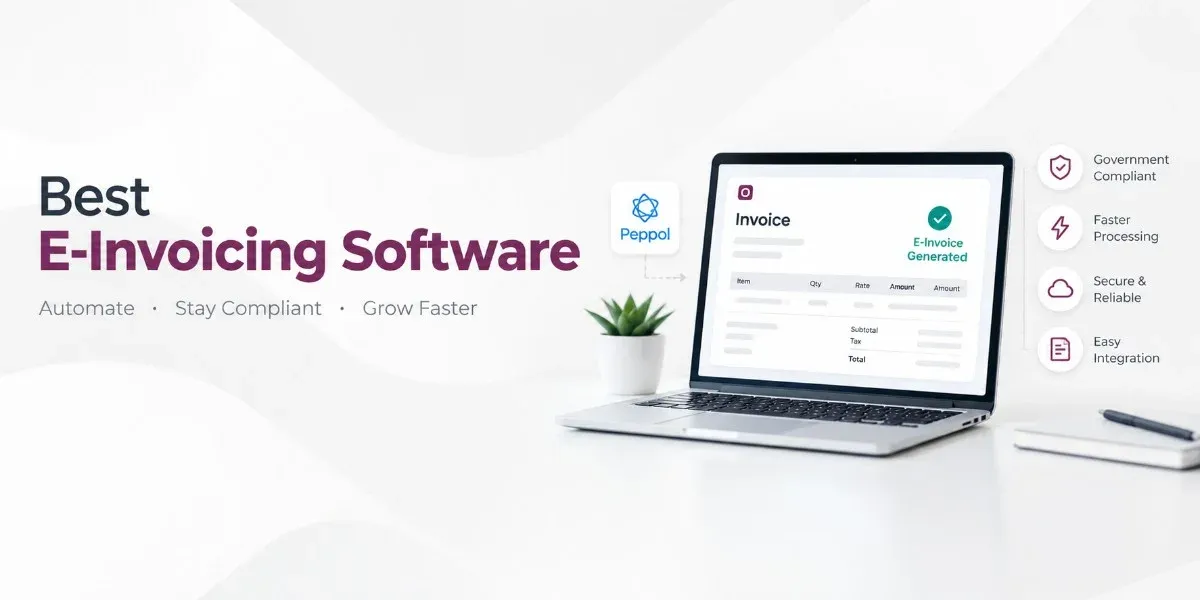
Choosing the best e-invoicing software helps businesses create invoices, track payments, and manage tax records with less manual work. Odoo connects invoicing with accounting, sales, and inventory in one platform. It helps businesses organise billing activities, monitor outstanding invoices, and maintain financial records.
An Overview of E-Invoice Management
E-invoicing software helps businesses handle billing digitally, from preparing invoices to tracking payments and maintaining transaction records. The right solution can reduce manual data entry, organise tax information, and connect billing with accounting systems.
Odoo combines invoicing and accounting with other business applications, helping companies manage customer bills, payment records, and financial data in one platform. Available e-invoicing formats and compliance integrations depend on the country and system configuration.
Why Is Odoo One of the Best E-Invoicing Software Options?
Odoo combines invoicing and accounting with other business applications, helping companies manage billing as part of their daily operations.
- Create and Manage Invoices: Prepare customer invoices, send them electronically, and connect invoice details with sales transactions to reduce repeated data entry.
- Connect Invoicing With Accounting: Link invoice transactions with accounting records and manage bank reconciliation, financial reports, receivables, and payables.
- Manage Tax Information: Configure tax calculations and country-specific accounting features. Indian businesses must enable the appropriate GST settings and e-invoicing integrations where applicable.
- Track Payments and Outstanding Invoices: Monitor invoice statuses, record customer payments, and identify overdue balances for follow-up.
- Connect Invoices With Sales Orders: Generate invoices from sales orders where supported, helping distributors, wholesalers, manufacturers, and service providers manage customer billing.
- Handle Recurring Invoices: Manage repeat billing for subscriptions, maintenance contracts, and ongoing services using the relevant Odoo applications and configuration.
- Support Electronic Invoice Formats: Use supported country-specific e-invoicing formats and integrations, subject to the installed modules and applicable compliance requirements.
- Access Financial Reports: Review receivables, payables, profit and loss, and other financial information through Odoo Accounting's reporting features.
Inside Odoo's Invoice Management Features
The following features make Odoo worth considering for businesses that want invoicing connected with accounting and operational processes.
| Feature | Business benefit |
|---|---|
| Invoice creation | Prepare customer invoices using relevant transaction details. |
| Electronic invoice generation | Generate supported electronic invoice formats where configured. |
| Tax configuration | Apply tax rules according to the company's accounting setup. |
| Payment tracking | Review invoice statuses and recorded payments. |
| Customer management | Maintain customer information linked to billing activities. |
| Sales integration | Connect sales orders with invoice preparation. |
| Vendor bill management | Record and manage supplier bills through accounting workflows. |
| Financial reporting | Review receivables, payables, and other accounting information. |
| Recurring billing | Manage repeat invoices for eligible business arrangements. |
| Business application integration | Connect invoicing with other Odoo applications and supported external systems. |
The availability of individual features depends on the Odoo version, selected applications, localisation, and implementation requirements.
Business Benefits of Using Odoo for E-Invoicing
- Less Manual Data Entry: Use existing customer and sales records to prepare invoices, reducing duplicate entry and the risk of errors.
- Better Receivables Tracking: Monitor unpaid invoices and recorded payments to organise customer follow-ups and keep track of incoming cash.
- Improved Team Coordination: Connect sales, invoicing, and accounting information so relevant teams can work with consistent transaction records.
- Organised Financial Records: Store and retrieve electronic invoices more easily than scattered paper documents and email attachments.
- Support for Business Growth: Use Odoo's wider ERP applications for inventory, purchasing, manufacturing, and sales as business needs change.
- Less Repetitive Administration: Automate suitable invoicing tasks to reduce time spent preparing documents, transferring data, and checking routine transactions.
Frequently Asked Questions
Which is the best e-invoicing software in India?
Odoo is an option for businesses that need invoicing, accounting, and connected business management features.
Is e-invoicing software useful for small businesses?
Yes. It helps small businesses create invoices, track payments, and maintain organised financial records.
Is free e-invoicing software available?
Yes. Some providers offer free plans with basic invoicing features, but advanced functions may require a paid plan.
Can e-invoicing software support GST in India?
Yes. Suitable software can support GST-related invoicing, but businesses must verify the required GST features and e-invoice integration.
What is the difference between billing software and e-invoicing software?
Billing software focuses on creating bills and managing payments, while e-invoicing software may also support structured invoice formats and regulatory reporting.
Can Odoo connect invoicing with accounting and inventory?
Yes. Odoo can connect invoicing with accounting, sales, and inventory applications, depending on the modules and configuration used.